Optional AI Joins the Inventing Process in Inventionland Education’s Middle School Curriculum

 Artificial intelligence is becoming part of how people research, develop ideas, and communicate. Inventionland Education is helping middle school students learn how to use this technology by integrating AI throughout its Innovation Science Curriculum.
At the center of this AI integration is the Innovation Coach, an AI tool built into the curriculum’s online portal and assignments.
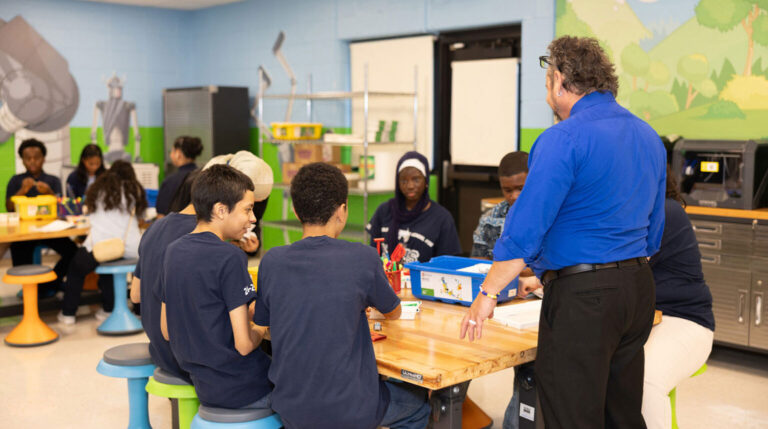
Schools control access. An administrator can turn the Innovation Coach on or off based on district policies, teacher preferences, or local expectations. If a school is not ready to use AI, instructors can continue teaching the Innovation Science Curriculum without the tool. If it is enabled, teachers can introduce it within a supervised classroom setting and lay down clear expectations for responsible use.

Because the Innovation Coach was created for student use, it includes “guardrails” designed to keep interactions appropriate for middle school. If a student enters an inappropriate prompt, the tool is designed not to provide an inappropriate response. These protections help keep its use focused on research, creativity, problem-solving, and project development.
 The Innovation Coach allows students to learn with AI while learning about its limits. They practice writing stronger prompts, evaluating responses, and deciding when technology is helpful. Most importantly, students remain the inventors. Their ideas, judgment, teamwork, and hands-on effort continue to lead the process. If the administrator turns on the Innovation Coach, students can access it in the nine-step inventing method. They can ask questions, explore a topic, consider new possibilities, or improve the grammar in content they have written for their projects.
The goal is not to let AI do the work for students. It supports the curiosity, teamwork, and original thinking that drive the Innovation Science course.
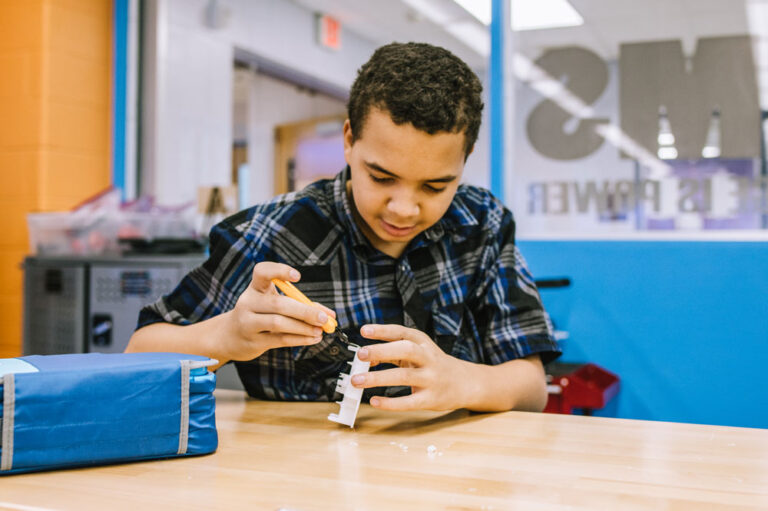
For example, in Step 2, students research the problem they hope to solve. The Innovation Coach can help them identify topics to investigate and suggest questions that may lead to deeper research. Students must still review the information, decide what is relevant, and continue investigating reliable sources.

 In Step 3, students learn how AI can serve as a brainstorming partner. Teams are encouraged to talk about their questions before writing a prompt. This helps ensure that the prompt reflects their own observations, curiosity, and ideas. The response may spark a new direction, but students do their own analysis and make the final decisions.
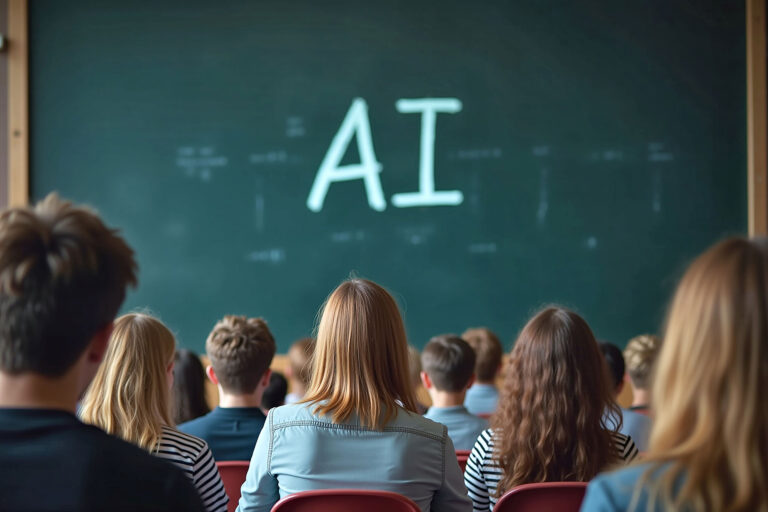
This distinction in how AI is used is important. AI can be good at finding and combining ideas based on existing information, but it can’t replace a student group’s imagination or predict an invention that hasn’t been created yet. Innovation Coach is a tool for getting ideas moving, not a substitute for personal creativity.

AI is also introduced in Step 4, Sketch Your Idea. Students see an example of how to prompt AI to produce a concept sketch using the BagStor invention. AI-generated images can help students picture possibilities they may not have considered. They can then use those images as inspiration while developing and improving their own invention sketches.
This type of AI integration helps students to learn how to effectively use AI, while allowing the school or district to ultimately make their own decisions on how AI is used in the classroom.